Vibe coding, the practice of using plain-language prompts to code, has quickly evolved from a tool for developers to new kind of creative medium that anyone can use to build apps, websites, games, and interactive experiences. But for many people, today’s tools can still feel technical and intimidating – and every output tends to look the same.
A decade ago, design required expensive subscriptions and an understanding of complex tools. Canva changed that with its simple and powerful drag-and-drop interface, and today, a quarter of a billion people use Canva every month to communicate their ideas visually. Now, we’re doing it again, but with code.
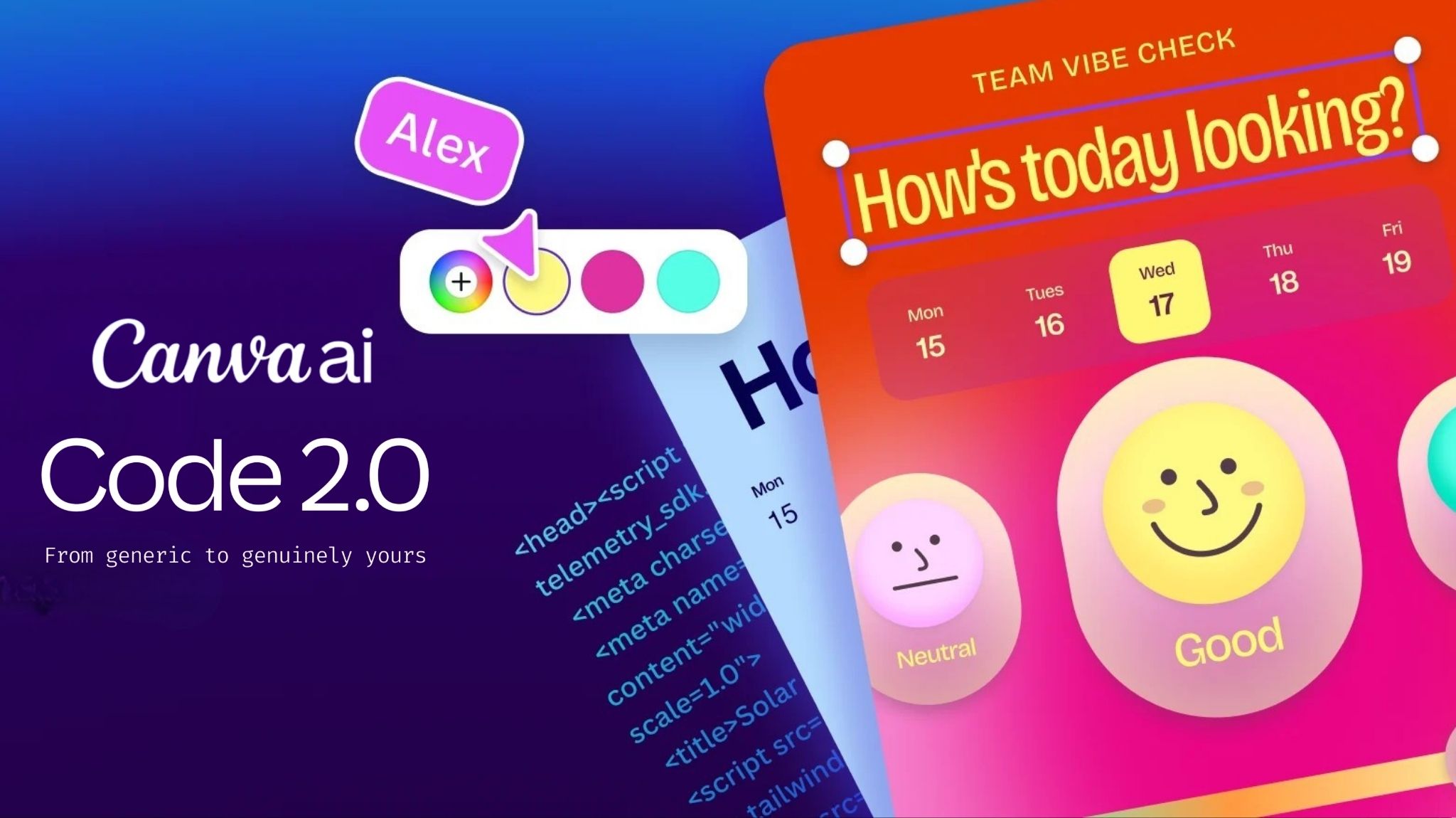
Starting today, Canva Code 2.0 is available to the entire Canva community. With new features that combine creative control with the latest models for AI-powered coding, we’re making it simple to design interactive experiences that are engaging, easy to build and customized to your brand.
Here’s what’s new in Canva Code:
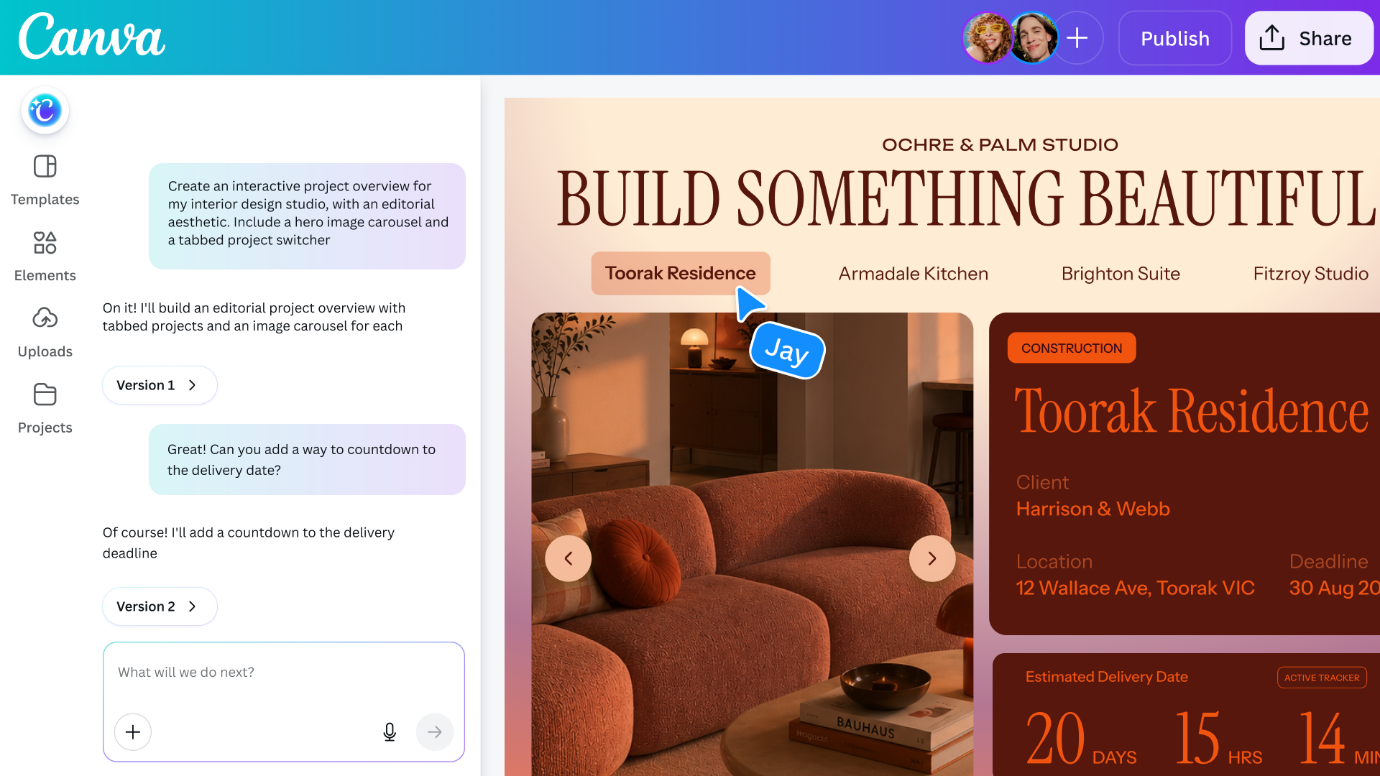 Start from a prompt, a template or HTML
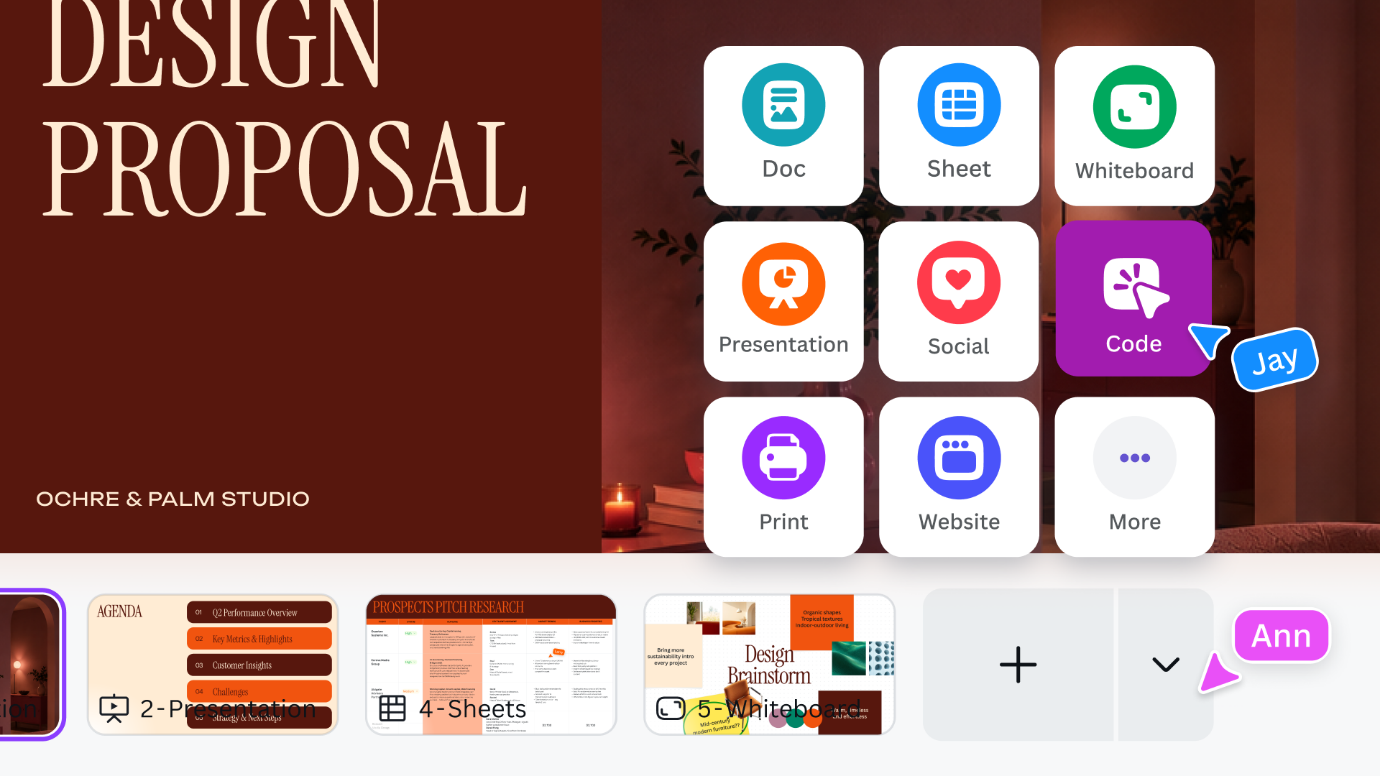
Every idea starts somewhere, and with Canva Code that starting point doesn’t have to be a blank page. You can now create with Canva Code right inside your other design projects, including as a page, in a whiteboard or deck. Get inspired with more than 50 new Canva Code templates for interactive designs, then personalize it with photos and graphics from our rich visual library or your own uploaded media.
If you’ve built something elsewhere, including other AI assistants, HTML import lets you bring that work into Canva as an editable design, so you can pick up where you left off without rebuilding from scratch.
Build and edit interactive experiences, all in one place
Canva Code combines the design power of Canva – easy editing of brand colors, texts or images, and a content library with over 120 million assets and over 50 templates – with outputs that work like websites or apps and can be published as an interactive experience.
Most vibe coding tools stop at functional, generating output that drowns in the sea of sameness. You might get a working prototype, but making it actually look like yours involves a complex editing surface, a separate design tool, a developer, or endless back-and-forth prompting that rarely lands where you want it.
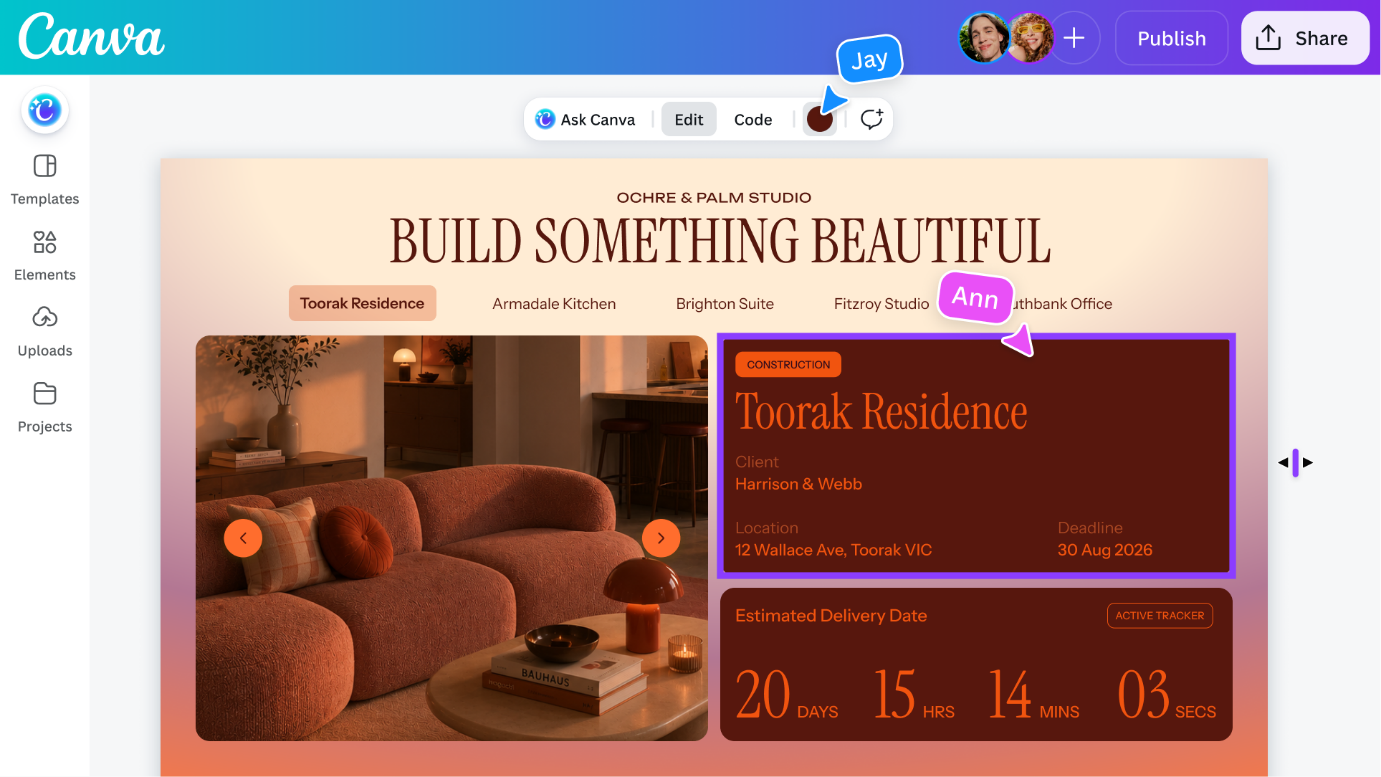
Canva Code sits inside the same intuitive editor where you already house your brand ki. You can manually tweak your creation directly in the Canva Editor like any other design, or use Canva AI to prompt edits. It’s easy to swap in your own images by dragging directly from Canva’s built-in library, update colors and fonts through the familiar toolbar, click into any section to retype text directly, or select a specific element to refine with conversational AI. The result is an interactive experience that works and looks like it came from you.
 Create, collaborate and publish everywhere
The whole loop, from idea, to approval, to a website or app that your audience can engage with, happens in one place for everyone, including those who’ve never coded before. Teams can build, review and refine together in real time and comment right in the editor, turning vibe coding from a siloed pursuit into a team sport.
What you make together is then ready for wherever it needs to go next. Every Canva Code output is fully interactive and adopts automatically to any screen size, so you can preview how it will look on mobile. And when it’s time to publish, you can purchase a custom domain right inside Canva, publish to a free domain, or share securely within your organization using a single sign-on.
 Unlocking creativity with code: What the Canva community is building
Early adopters of Canva Code have proven that code is more than a technical tool – it’s a new medium for education, marketing, entrepreneurship, staying organized and so much more.
Since we first introduced Canva Code a year ago, our community has coded more than six million sites, with creations spanning from classroom hubs to real estate listings and team ice breakers. That momentum reflects a shift we hear from our community: people don’t just want static content, they want to build experiences that feel polished, useful, and unmistakably theirs.
Small businesses, like Alt Marketing School, are building mini apps to provide fundraising training and planning for their communities: an app to brainstorm fundraising leads through content and a system to score potential fundraising channels. Alt Marketing School also created an interactive roadmap on what’s coming up for its members.
Educators and school administrators are using Canva Code to enhance the learning and social environment. One teacher built bespoke webpages for each of their classrooms to keep students and parents updated on all announcements. Another teacher created a form, published it as a website, and connected to Canva sheets for data to use for potlucks, events, or track top books read for prizes.
For World Book Day, 50 passionate readers created educational games across different subjects with Canva Code and a pedagogical description of how to use the games in the learning environment.
Empowering everyone to experience the future of design
We believe tools should never put a limit on your imagination, and AI has transformed the creative process on Canva, with over 32 billion uses of our AI products to date. Whether through code, design, writing, image generation or beyond, it’s accelerating how we empower the world to design anything, in a workflow that’s as simple as possible.
For the more than 265 million people who turn to Canva each month to design their goals, this unlocks another way to achieve their goals. Canva Code reflects the evolution of design from presentations and social posts to now including visual websites, web apps and interactive experiences. No matter what you’re creating, it should always look and feel like yours. Canva Code 2.0 is now available to free, pro, business, enterprise, and education users.